
Cloud PC Infrastructure Kolkata: Secure Remote Workspaces
We provision, host, and keep high-performance virtual corporate workstations. Eliminate physical data theft risks, expensive endpoint hardware overhead, and broken local application setups with centralized, high-availability remote computing solutions.
What is Cloud PC Infrastructure Kolkata?
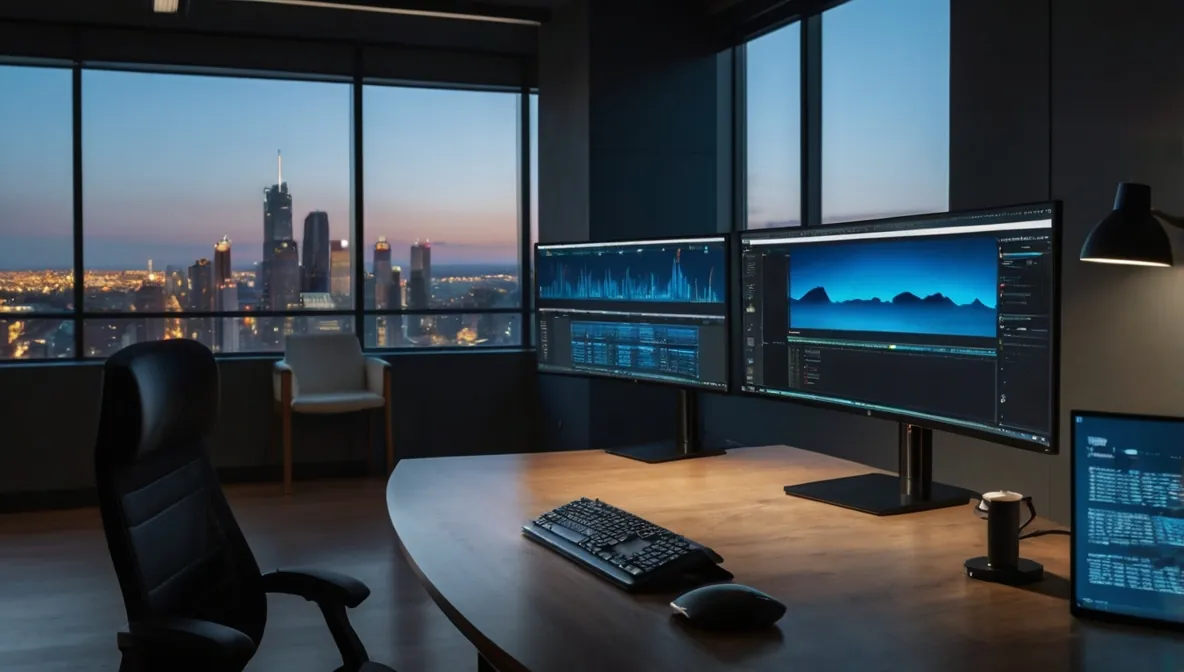 Figure 1: Microtech Solutions high-availability virtual desktop environment showing isolated port mappings and thin client endpoints.
Let's explain this plainly. Traditional office computing forces you to buy expensive physical computers for every single staff operator. You jam a local hard drive, an operating system, and corporate applications into a local plastic box. That setup is a massive operational anchor. If a machine chokes mechanically, that employee sits completely idle for hours. I call that layout reactive. It leaves your data totally exposed to local theft loops.
Cloud PC infrastructure shifts your entire operating framework into a secure, centralized environment. The actual operating system, memory blocks, and business software run entirely inside a protected off-site rack. Your staff uses simple, low-cost terminal devices or thin clients to connect safely. They read an interactive pixel mirror stream fired across the web. The local terminal handles zero data footprint internally. It makes user management incredibly simple. It's like having a dedicated enterprise datacenter in your pocket.
Why Hardened RDS Deployment Matters
When remote staff handles sensitive company data on personal home laptops, your business security layout vanishes. Employees can copy files onto unmanaged external drives. They might catch a nasty spyware infection while browsing personal links. That malware can sniff out corporate server login details instantly. I once saw a local accounting division drop into absolute panic over a basic network leak. A home machine spread ransomware right into their primary internal network database. It made me sweating just watching the cleanup path.
A hardened Remote Desktop Services (RDS) deployment creates a bulletproof wall around your corporate assets. It isolates your primary applications within strict cloud terminal boundaries. You gain absolute control over every single outbound transmission vector. We can completely block local drive mapping routines. We can disable text copying across the remote interface container. Your sensitive financial ledgers and data records never leave your core server zone. It turns remote work from a security liability into a secure operational asset.
Real-Life Staging: The Custom Secure Port Fix
I don't base my integration blueprints on basic instruction manuals. I build setups out of hands-on lab configuration experience. Recently, I deployed a multi-user cloud PC layout for a corporate partner requiring protected, high-uptime remote connectivity. The virtual terminal setup utilized an isolated network segment routed directly to their back-end nodes. I explicitly avoided using standard remote execution paths to protect their internal systems from brute-force automated dictionary attacks.
I manually remapped their core Remote Desktop engine to listen exclusively on a custom, obfuscated network port. Their operators simply run the native Windows connection drawer (`mstsc`) and target the custom parameter destination string. To make easier their daily access path, I bound this pipeline straight to a dedicated pass-through DNS hostname. During initial staging, a local DNS routing loop temporarily cached the request blocks. I flushed out the terminal resolver tables, verified the raw packet rules, and the remote workstations loaded perfectly under 10 minutes with maximum perimeter protection.
| Infrastructure Variable | Standard Local Desktops | Our Hardened Cloud PC Standard | Financial & Operational Payoff |
|---|---|---|---|
| Hardware Procurement | High upfront costs buying corporate laptops constantly. | Low-cost thin client nodes or existing legacy terminals. | Saves up to 60% on physical equipment refreshes. |
| Data Leak Protection | Unrestricted folder copying to local USB thumb drives. | Isolated clipboard layers with blocked storage drive exports. | Completely stops corporate data theft attempts. |
| Disaster Recovery | Days spent re-installing systems after drive mechanical drops. | Instant bare-metal snapshot restorations managed at the host. | Reduces worker recovery windows down to under 5 minutes. |
| Connection Security | Standard port 3389 open directly to public web probes. | Obfuscated custom port allocations paired with edge MFA rules. | Neutralizes automated remote desktop hacking sweeps. |
Common Mistakes in Virtual Desktop Integration (VDI)
The biggest blunder I see companies make is leaving the default network routing wide open. Honestly, I once messed up a basic connection rule early in my career by rushing an optimization step, so I know how easily bugs creep in. Many local teams deploy virtual desktops but leave the default port 3389 active across the public internet. Background botnets scan that exact port continuously. They flood your gateway with thousands of brute-force login attempts until your server processor chokes completely.
Another frequent trap is ignoring local ISP connectivity constraints when planning multi-user desktop streams. If you throw thirty remote operators into a heavy database application without configuring proper bandwidth rules, your local terminal interface will suffer extreme lag. Users see lagging text lines and fuzzy blobs instead of clean workspaces. You must turn on data compression loops at the host layer. You must make better your display transmission profiles beforehand to make sure the user workspace remains highly responsive during intense shifts.
Field-Tested Best Practices for Enterprise Cloud Workstations
If you want a stable, high-performance remote workplace array across your organization, make sure your technology team implements this sequence:
- Obfuscate your network listening endpoints: Never expose standard remote access points to public web lookups. Always use custom high-port mapping parameters.
- Lock down the local workspace clipboard entirely: Block the transfer of data blocks, local storage volumes, and document printing paths across the virtual interface.
- Enforce automated idle user logouts: Program your host servers to end active sessions safely if a remote workstation sits empty for more than 15 minutes.
- Dedicate independent memory space per user: give explicit hardware resources per operator so that a software crash on one desk cannot freeze other terminals.
- Pair remote access with automated off-site backups: A virtual workspace still requires strict redundancy. Make sure your server images mirror silently to an immutable Enterprise Cloud Backup vault.
Frequently Asked Questions (FAQs)
Will applications lag when running over a Kolkata cloud PC connection?
Not when the environment is engineered correctly. Performance lag only occurs when hosting servers are overloaded or display data streams are uncompressed. We prevent connection latency by sizing hardware resources exactly to your workflow requirements and tuning the communication protocol to adjust dynamically to low-speed home broadband networks.
Can remote employees print corporate documents from their virtual desktop to a home printer?
We can configure this behavior based on your exact internal data policies. If your operations require remote printing, we can allow secure redirection pathways for verified local devices. However, for maximum data security, we typically block this feature completely to make sure sensitive client details are never printed outside your office building.
What happens to our active work if a user's local internet drops suddenly?
Your active applications keep running perfectly. Because the software and files exist entirely on our high-uptime server engines rather than the worker's local machine, an internet drop changes nothing. The user simply reconnects when their line stabilizes, and their display returns exactly to how it looked before the drop-zero data lost.
Do we need to buy new computers to transition our office over to an RDS model?
No, you do not. One of the best financial benefits of our RDS approach is its ability to extend the lifecycle of your existing IT assets. You can use old laptops or basic thin clients to run the connection client interface. The local terminal requires almost no computing power, allowing older equipment to deliver premium speeds.
How easily can we add new user desktops as our company team expands?
We can provision a fresh, fully configured corporate workstation image in under 10 minutes. Because everything is managed centrally at the server host layer, we don't need to manually configure physical machines. We simply clone a master system template, assign user access rights, and your new employee is ready to work.
Our High-Availability RDS Integration Stack
- Custom RDS Gateway Provisioning: Designing and deploying high-uptime remote desktop server architectures with isolated, custom port listening matrix setups.
- Thin Client Network Upgrades: Stripping out high-maintenance local desktop towers and replacing them with highly reliable, low-power thin client hardware nodes.
- Data Leakage Prevention Controls: Hardening virtual workspace profiles to block unauthorized file downloads, drive sharing, and screen capture actions.
- Resource Balancing Optimization: Fine-tuning user memory and processor allocation limits across Windows Server and Hyper-V host platforms, following our SME IT Optimization blueprints.
- Centralized Application Provisioning: Installing and updating enterprise applications (like multi-user Tally setups) globally in one single pass instead of patching individual office computers.